
On this page
I'm filming these exercise demonstrations so you can find a movement that fits what you want to train and the equipment you have. A video is useful when you need to see the setup, but I also want you to be able to find that video without already knowing the exercise's name.
The recording above shows an earlier stage of the GymDaze exercise library and the thinking behind it. Some of the screens and build plans have changed since then. Use the exercise finder for the current interface.
The question that keeps coming up
I work with beginner and intermediate lifters who ask for substitutions because the machine they planned to use is occupied, their gym doesn't have it, or the movement doesn't work well for them. Giving them another exercise name only answers part of that question.
They still need to know whether they have the equipment, how to set it up and whether the replacement does the job they wanted. Someone trying to train side delts at home with a band has a different set of options from someone standing in front of a cable machine.
You can find plenty of exercises online. The difficult part is narrowing those choices to something useful for the session you're actually going to do. That's what I want the filters and demonstrations to help with.
Why I keep recording the individual movements
A short demonstration can show the things an exercise name leaves out, such as where the hands go and which direction the resistance pulls. You can watch what stays still and where the movement actually happens.
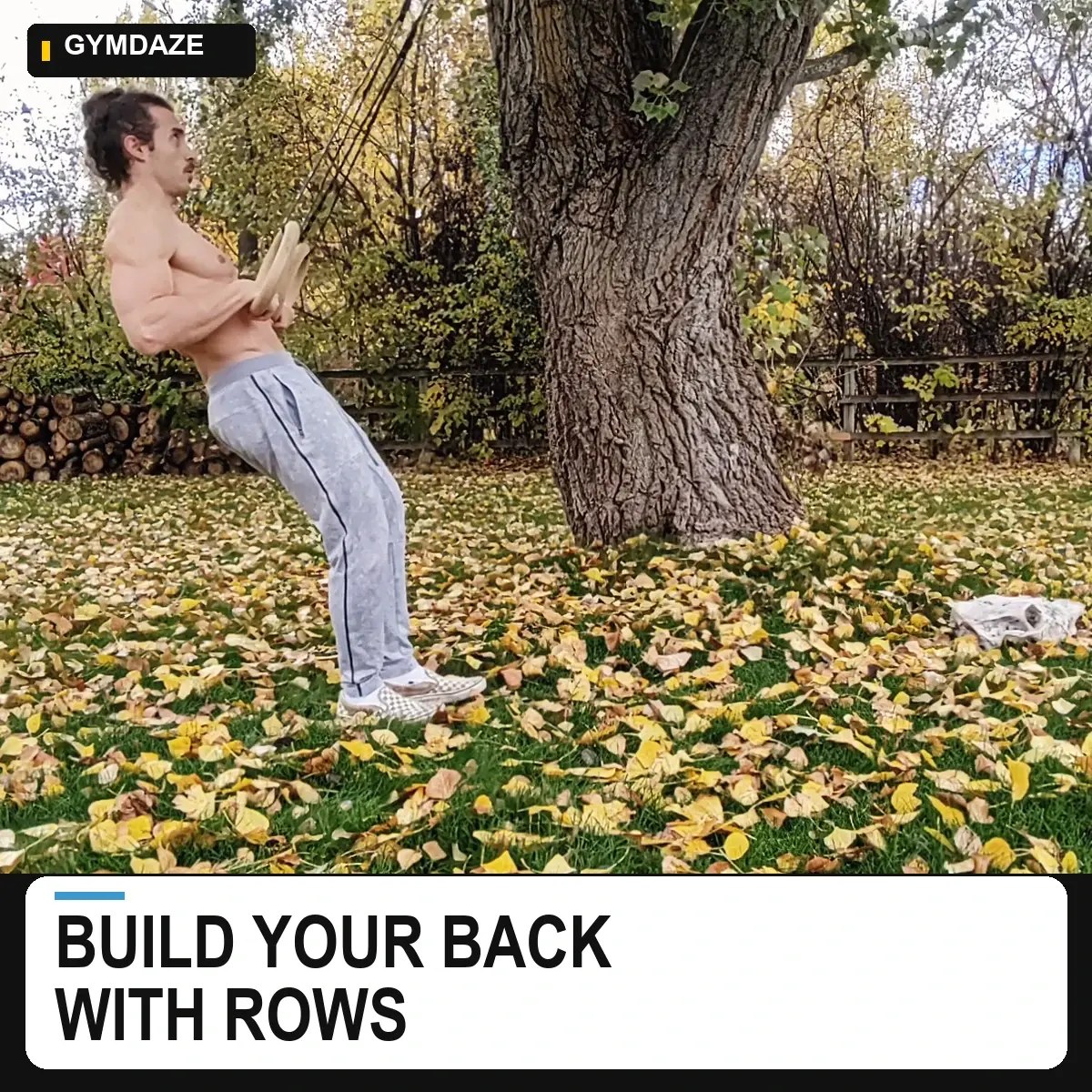
The clip also needs context. Two rows can both train your back while requiring different equipment and body positions. If you've been doing a supported row, moving to a bent-over version adds the job of holding that torso position. Calling both exercises “back” doesn't explain the whole substitution.
I want the exercise entry to help you understand that choice. The demonstration shows the movement, while the equipment and setup information help you decide whether it fits.
That is why the archive contains different versions of movements that may look similar at first. I'm trying to make those differences visible enough to use. A folder full of clips wouldn't do much for someone who has no idea which one to open.
Start with the muscle, then narrow the equipment
In the exercise finder, you can select an area on the anatomy chart or use the muscle list. If you already know an exercise name, the search box is a quicker starting point.
For the side-delt example from the video, select that area first. Then open Advanced mode to narrow the equipment and experience level. Add the equipment you can use and check the resulting exercise entries. Filters help reduce the list; you still need to read the setup and choose a version you can control.
Open an exercise to see its instructions and equipment details. Use the video when one is available. There is also an “Only exercises with video” option in Advanced mode. An exercise can remain searchable while its demonstration is still missing, so the number of entries is not a count of completed videos.
If you get no results, clear a restriction and check again. You may have asked for a combination the catalog doesn't contain. That is useful feedback for the library too, particularly when you know a movement that should match.
Finding an exercise is one part of planning the week
After choosing a movement, you still need to decide where it belongs in your program, how much of it to do and how you'll make it harder over time. Adding every interesting result to Monday would leave you with a very different session from the one you set out to build.
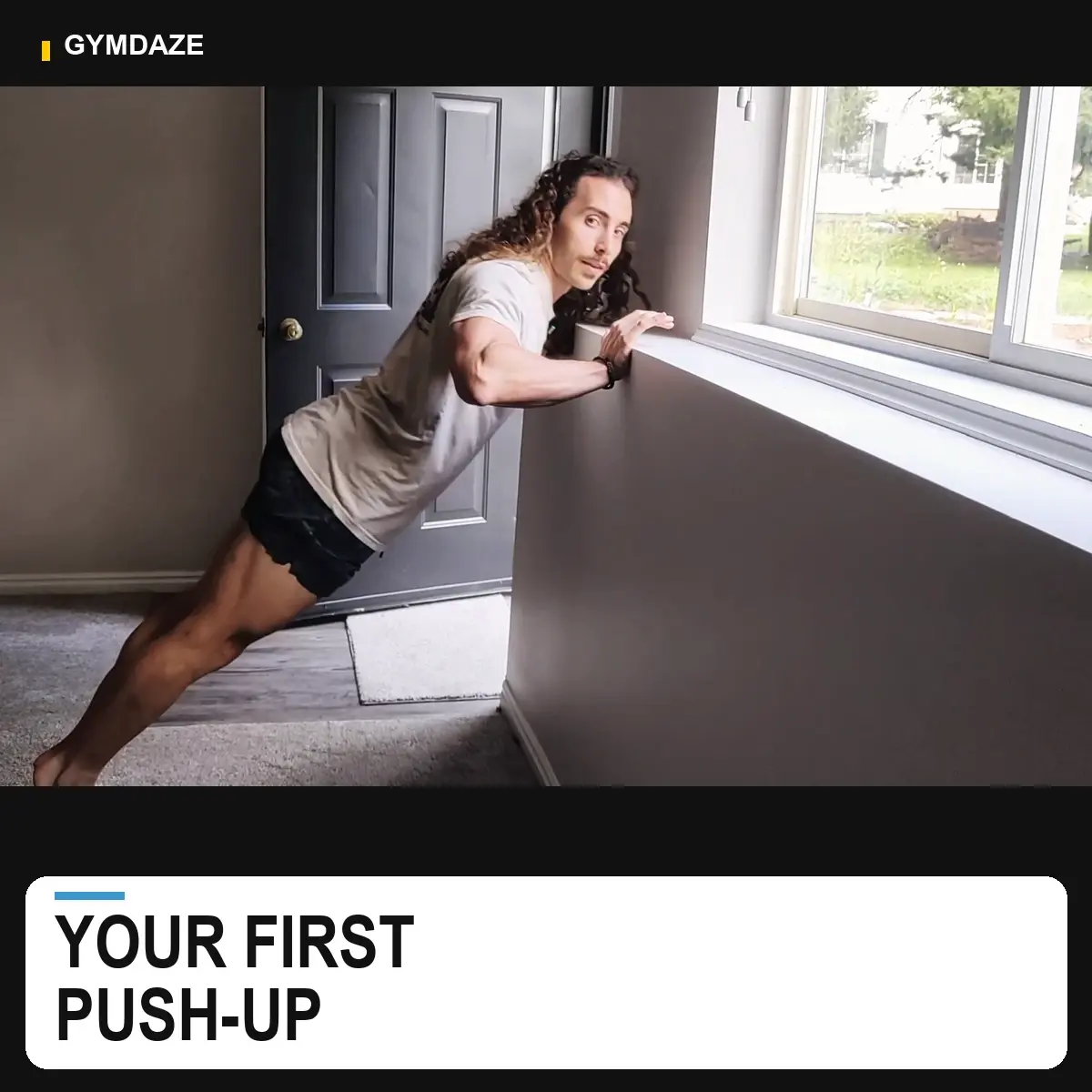
For calisthenics, the progression explorer helps you follow related exercise routes. The beginner push-up guide, for example, shows how to choose a useful starting level before considering harder variations.
I want the larger project to connect exercise choices with planning and training records, so the information stays useful as your equipment, ability and schedule change. A filter can't decide all of that for you, and it can't tell from a selected label how well you perform a rep.
What would make the library more useful for you?
The exercise finder is free to use. I also sell finished workout programs for people who want that structure, and those purchases help support the work. You don't need to buy a program to look up an exercise.
Useful feedback is specific: which muscle you selected, what equipment you had, what you expected to find and what was missing or confusing. If a demonstration leaves a setup question unanswered, tell me which movement and which part.
You can leave that feedback in the video's comments. I asked which filter people wanted after choosing a muscle because I want the decisions in the library to reflect the problems people actually run into. Try a search for your next session and let me know where you got stuck.
Common questions
Frequently asked questions
Does every exercise entry already have a video?
No. Entries without a demonstration can remain searchable. Advanced mode includes an Only exercises with video option when you want results with available footage.
References