
 Free reference
 Free PNG / $2 creator formats
GymDaze anatomy resource
GymDaze Hand-made Anatomy Chart
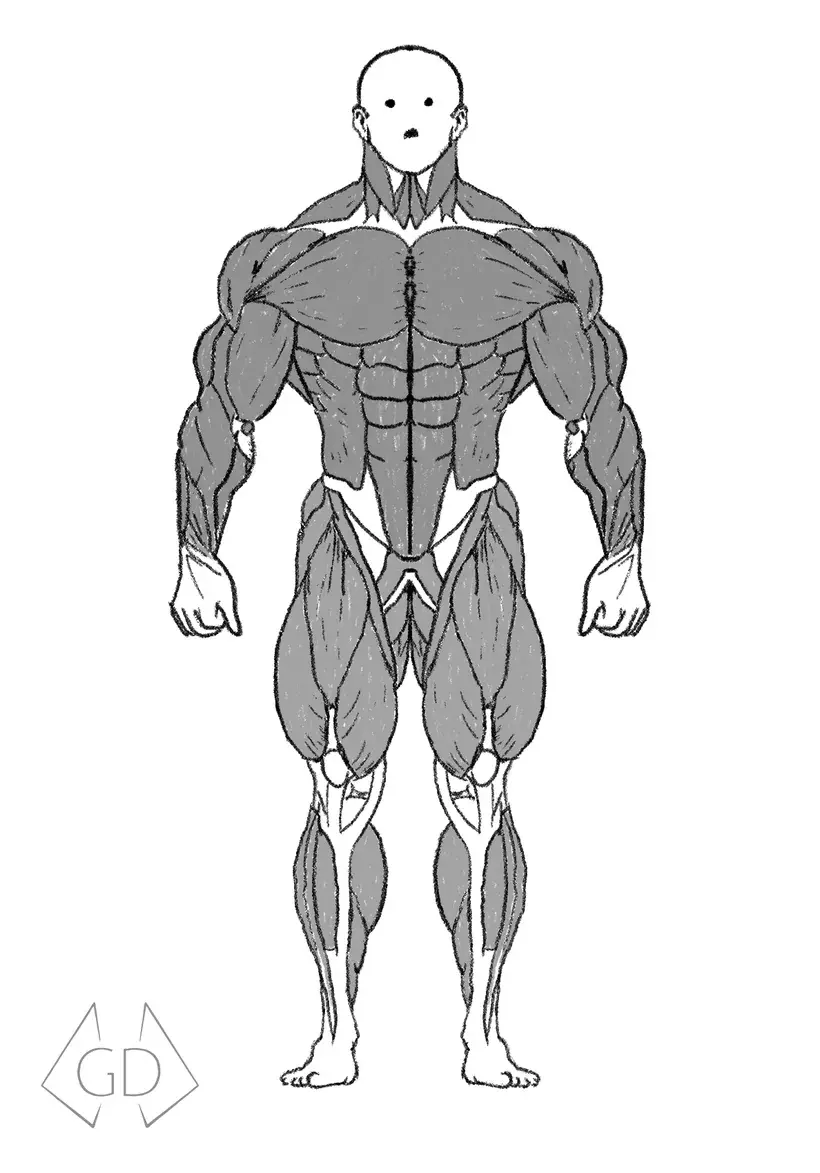
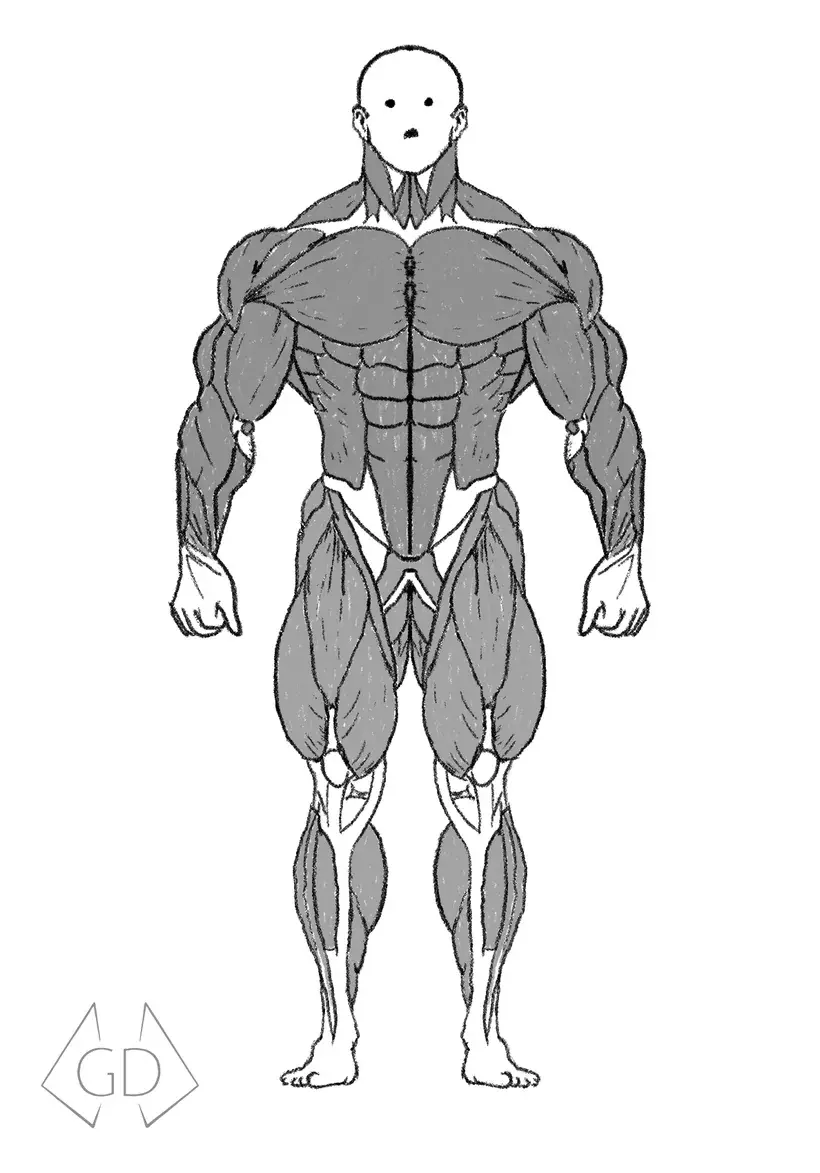
A hand-drawn front-and-back muscle reference for connecting exercises to the major muscles they train, with optional layered and motion graphics assets for video creators.
- Price
- Free PNG / $2 creator formats
- Format
- PNG + optional creator files
- Delivery
- Secure email
We email time-limited links rather than publishing the original files on the website. The free download requires GymDaze email signup, and every marketing email will include an unsubscribe option.
Who it helps
A reference with a specific job.
Lifters who want a printable muscle reference and creators who want to incorporate GymDaze anatomy visuals into original videos.
What is included
- 01A free static PNG for personal reference or printing
- 02Labeled front and back views of major muscle groups
- 03An optional layered Photoshop file for $2
- 04Optional Adobe Premiere Pro MOGRT or DaVinci Resolve DRFX overlays, $2 each
Available formats
Start free. Upgrade only if you need creator files.
The labeled PNG is free with email signup. Creator files are separate $2.00 one-time purchases. Choose the Adobe Premiere Pro MOGRT or DaVinci Resolve DRFX for your editor, or the layered Photoshop artwork.
Buying a creator file? One security check covers any paid format below.
Free reference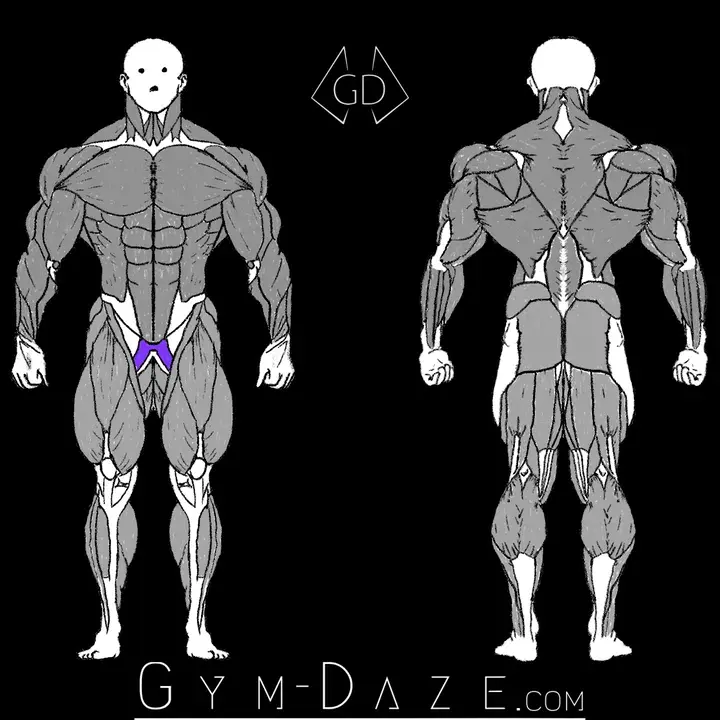 Paid creator file
02
$2
Layered Photoshop file
Layered artwork for exporting muscle visuals for original videos.
US checkout only. Use in original videos, including monetized videos, is allowed. Modification of the underlying artwork or template, sharing, resale, and redistribution are prohibited. Review the digital purchase terms.
Paid creator file
03
$2
Premiere Pro MOGRT
A ready-to-use motion graphics template for exercise video overlays.
Graphic-only artwork preview. MOGRT for Adobe Premiere Pro. Choose the DRFX version if you edit in DaVinci Resolve.
US checkout only. Use in original videos, including monetized videos, is allowed. Modification of the underlying artwork or template, sharing, resale, and redistribution are prohibited. Review the digital purchase terms.
Paid creator file
04
$2.00 one-time
GymDaze Anatomy Overlay for DaVinci Resolve
Show viewers which muscles an exercise trains. A transparent front-and-back overlay with 12 muscle groups and 53 individually selectable painted muscle regions. Artwork is included.
DRFX for DaVinci Resolve. Tested in Studio 21.1 on Windows. Read installation, usage, and compatibility details before buying. The silent preview uses a dark background; the installed overlay is transparent.
US checkout only. Use in original videos, including monetized videos, is allowed. Modification of the underlying artwork or template, sharing, resale, and redistribution are prohibited. Review the digital purchase terms.
DaVinci Resolve DRFX
Show which muscles the exercise trains.
Place the reusable, transparent front-and-back anatomy overlay above your footage and select the muscles you want viewers to notice. It includes 12 muscle groups and 53 individually selectable painted muscle regions. Adjust highlighting, flashing, fade-in/out, position, zoom, and opacity in the Inspector.
Artwork is included in GymDaze Anatomy Overlay.drfx. You do not need Photoshop, After Effects, Python, or Lua. Once installed, the overlay is available across Resolve projects on that computer.
Tested setup
Tested in DaVinci Resolve Studio 21.1 on Windows at 1920 × 1080, 24 fps. Other Resolve versions or editions, operating systems, resolutions, and frame rates have not been tested.
One source-artwork limitation
The retained Extensor Pollicis Longus control is labeled but has no painted region in the source composition, so its checkbox cannot produce a highlight. The other 53 muscle regions have painted artwork.
Install and use it
- Open GymDaze Anatomy Overlay.drfx and confirm installation in Resolve.
- On the Edit page, open Effects, then Generators > GymDaze. Drag GymDaze Anatomy Overlay onto a video track above your footage. Add it to Favorites if you use it often.
- Select the overlay clip and open the Inspector. Under Muscles, expand a group and enable its main checkbox. Uncheck individual muscles you want to exclude. All groups start off, leaving a neutral gray figure until you select one.
- For example, enable Back and leave only Latissimus Dorsi checked to show the lats. You can enable several groups at once.
- Trim the clip to the length you need. Set Fade In and Fade Out in seconds, or use zero for an immediate appearance or disappearance. Enable Flashing to pulse selected colors; Flash Speed 2 gives one pulse per second. Flash Duration sets when pulsing stops and the highlights stay on.
- Use Position and Zoom to place both views together, and Overlay Opacity to adjust transparency. The fades follow the clip's range.
Interactive preview
Explore the muscles online. Keep the labeled PNG.
The interactive explorer lets you highlight individual muscles. The complete labeled PNG remains a free email download. The paid PSD, Adobe MOGRT, and DaVinci Resolve DRFX are creator files for video projects.
Open the anatomy exercise finderOther free resources
Keep the next useful reference close.
 Free
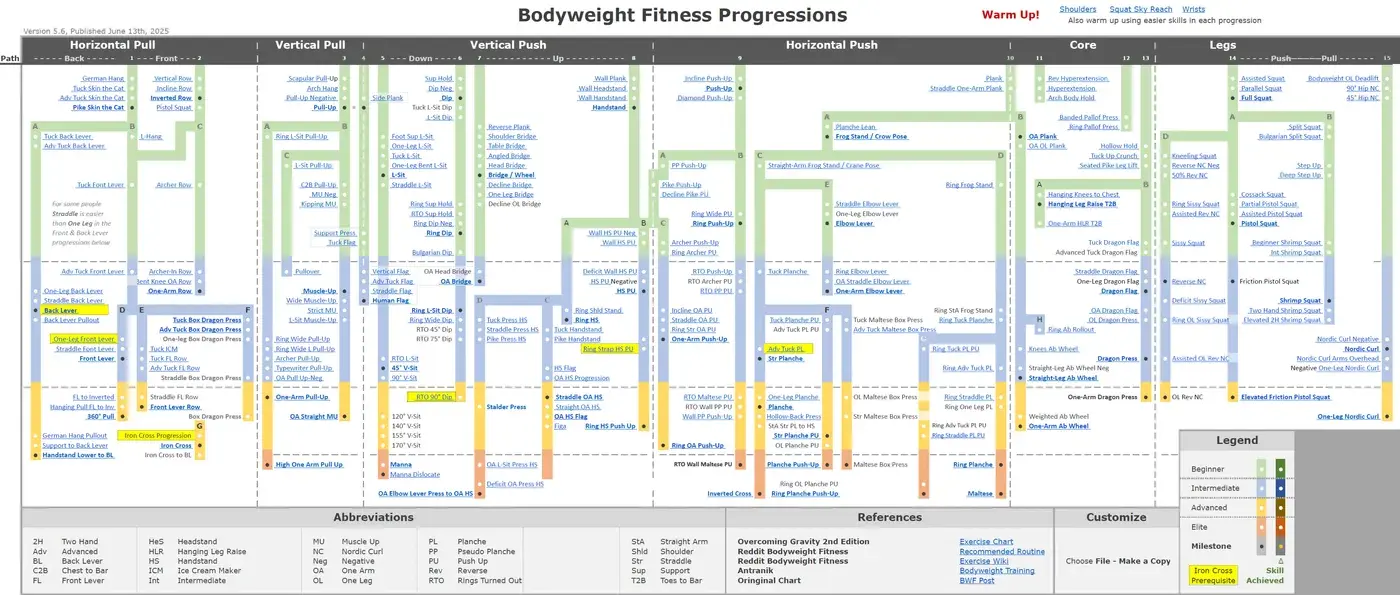
FreeBodyweight Fitness Progression Chart
A visual map of bodyweight exercise progressions for pulling, pushing, core, and leg training, with linked movement references and clear difficulty tiers.
See the resource Free
FreeGymDaze Gym Glossary
A plain-language reference for common gym terms, exercises, and training concepts so unfamiliar vocabulary does not get in the way of useful guidance.
See the resource Free
FreeNutrition Fundamentals
A practical ebook covering calorie targets, protein, carbohydrates, fats, meal structure, grocery planning, and adjustments for muscle gain or fat loss.
See the resourceThese resources are educational and are not medical care. The anatomy artwork is a training reference, not a diagnostic tool. Paid anatomy creator assets are subject to the GymDaze digital purchase terms and license.